
SCROOMS Controls
Find PC interaction keys, touch-control guidance and the menus for equipping instruments and boots.
SCROOMS CATCHING / ONE CAPTURE FROM START TO FINISH
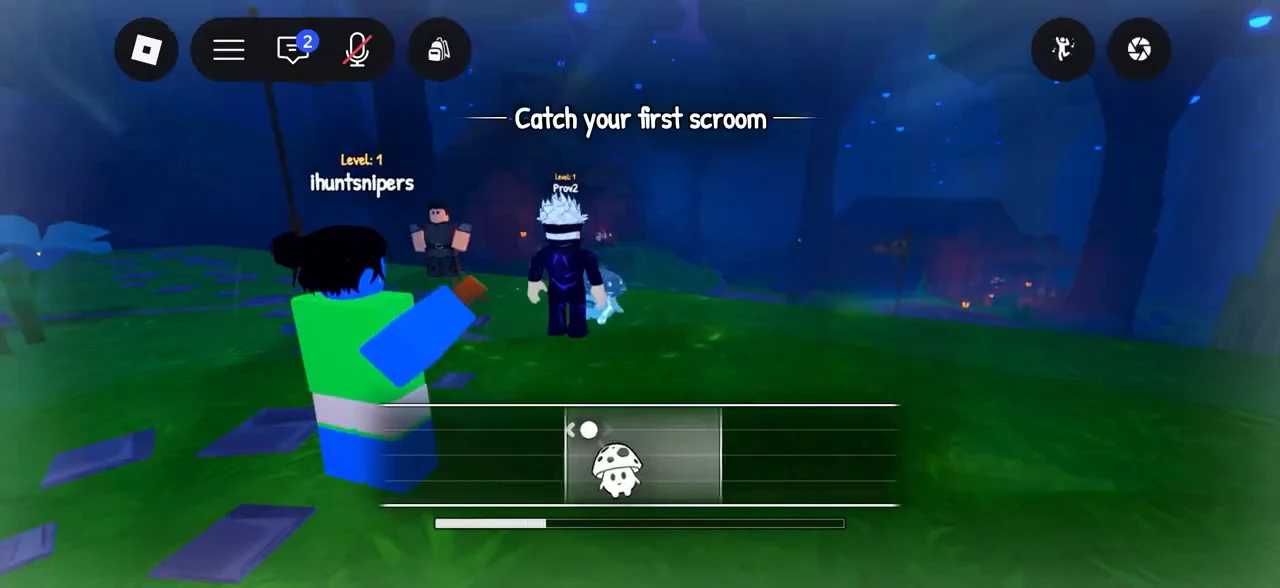
To catch a Scroom, equip an instrument, start playing, complete the tuning prompt and keep the creature inside the moving catch zone. The capture finishes when the progress bar fills. If the creature leaves the zone, progress drains.

If you have not received an instrument, begin with Leo’s starter quest. Select the instrument you actually want to use, then start playing near Scrooms. An item marked Owned in the collection is not proof that it is equipped.
Begin the encounter with the selected instrument.
Follow the tuning prompt before the creature commits.
Track the creature until the bar finishes filling.
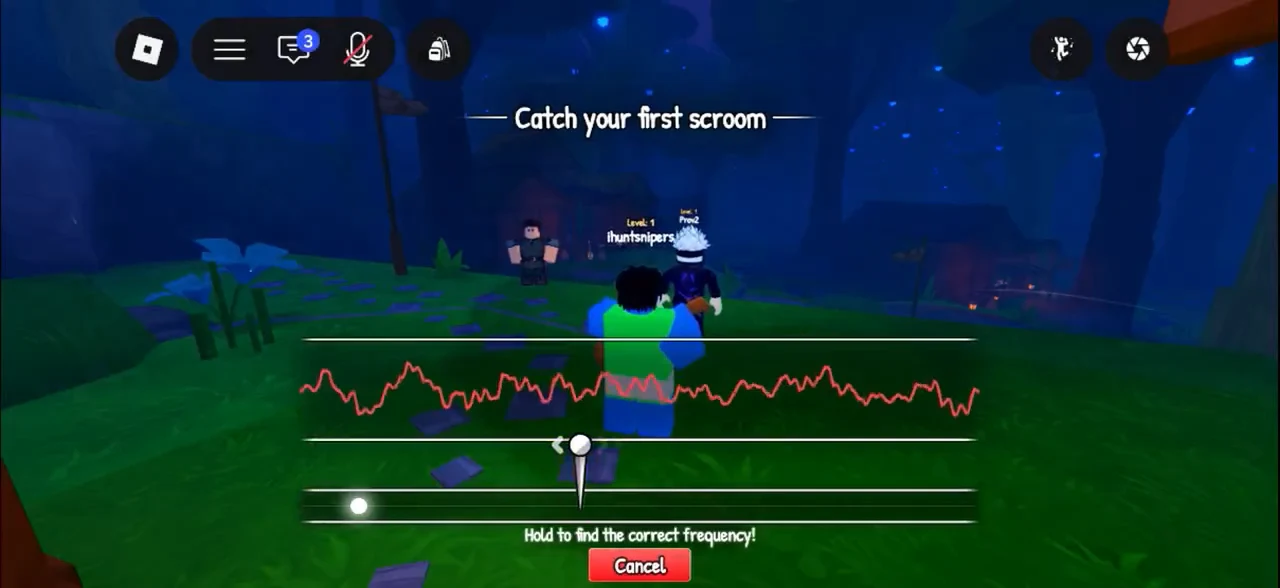
The launch interface uses a frequency control during tuning. Move it as the game prompts and complete that stage before trying to control the capture zone. The official description specifically says Tune Speed makes tuning quicker; it does not describe Tune Speed as a general fix for every missed catch.
In the launch walkthrough, the capture uses a held drag to follow the moving zone. Keep correcting the creature’s position until the progress meter fills. A timing success followed by an escape is not a completed catch.
For device inputs, open SCROOMS controls. For target lookup, use the Scroomdex; for equipment choices, compare SCROOMS instruments. Rare encounters have their own Eversung preparation guide.
Find PC interaction keys, touch-control guidance and the menus for equipping instruments and boots.
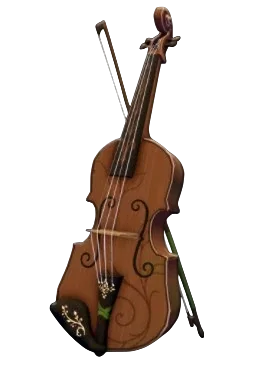
Compare five pictured instrument cards, reference prices and unlock routes before choosing your next upgrade.

Search 19 pictured creatures by name or area, compare reported frequency bands and save caught checkmarks.
Sources reviewed 24 October 2026. Community steps are source-reported; this guide does not claim an independent in-game playtest.
Report an outdated step ↗